
Name-Based Case Searches
For a Torrance County case search by name, the free public route is New Mexico Case Lookup. No registration is needed. Pick the likely court first. District Court handles general civil, felony, domestic, juvenile, appeal, and contested-probate matters. Magistrate Court takes limited civil, misdemeanor, DWI, traffic, and preliminary matters. A city citation or ordinance issue belongs with the municipal court involved.
Judiciary instructions say to type the last name and first name together. Put no comma between them. A date of birth is optional and can separate same-name results. Enter only what you need to find the particular case or public proceeding. The tool exists to locate a court case, not to gather personal data on people.
- Open the official Case Lookup entry and accept any required notice before reaching the search area.
- Enter the last name and first name without a comma. Add a date of birth only when needed to distinguish similar names.
- Open a matching public case and confirm the court location, case number, and register of actions before treating it as the intended matter.
- Read the newest hearing, filing, order, or disposition entry in chronological order, then contact the filing court if the current status matters.
| Field or function | Type | Required | Official format note |
|---|---|---|---|
| Last name and first name | Text | Used for a name search | Enter last name and first name without a comma. |
| Case number | Text | Preferred if known | Preserve the supplied dashes and leading zeros. |
| Date of birth | Date or text | Optional | Can help distinguish people with the same name. |
| Court or location | Result context | Not visually confirmed on public form | Use the case prefix or clerk confirmation. Do not assume an online selector. |
Torrance Case Lookup Access
The statewide product spans appellate, district, magistrate, metropolitan, and municipal records, subject to access limits. Torrance County itself runs no separate county portal for its criminal or civil docket. That makes the court classification the key first step. Even where a statewide result looks sparse, a city record may still sit with the city court. The official Case Lookup entry is the starting point for a public register of actions, but it does not promise document images or complete municipal citation coverage.
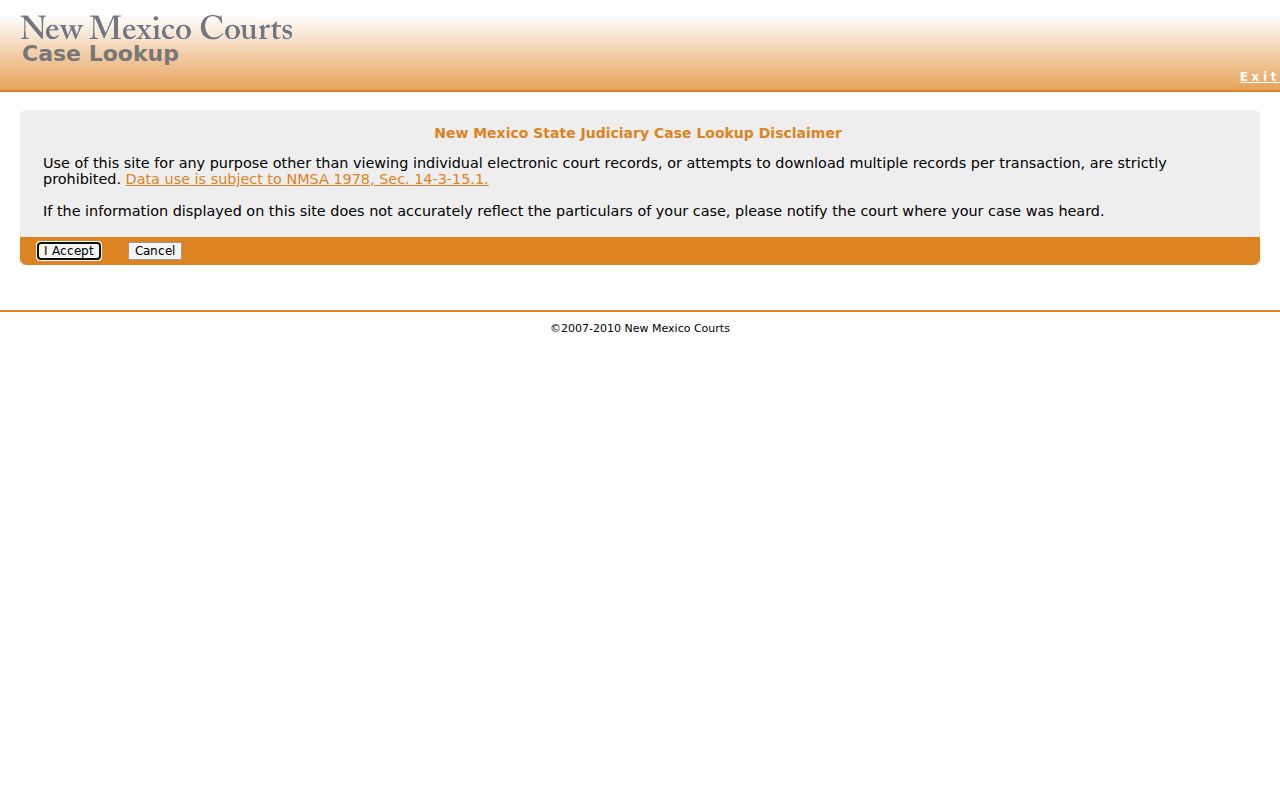
The official interface is statewide, so a Torrance search depends on reading the court and case location the result gives you.
Case Number Searches
For a Torrance docket search, nothing beats a case number. The Judiciary offers D-202-CR-2023-0000 as a sample. Its pieces stand for a court and location code. They also cover a category code, a year, and a sequence. Not every Torrance case will match it exactly. Treat the format as an illustration only.
Type the number exactly as printed on the notice, docket, or other court record. Keep the dashes and the zeros. Some older cases lack a full year or hyphens. Never invent a Torrance location code from a partial number. If a number returns no public record, give it to the District Court Clerk at 505-384-2974, extension 40. The Magistrate Court Clerk can take it too, at 505-832-4476. Include the rough year and case type.
For a full structured re:Search®NM number, Judiciary guidance breaks out the type of court and court location. It also covers the case category, year, and sequence. Its civil illustration uses court type D, location 202, category CV, year 2002, and a sequence. The Judiciary publishes no Seventh Judicial District location-code list. Keep the format from the court paper rather than guessing a local code.
Torrance Search Challenge Fallback
Case Lookup sometimes shows a human-verification security challenge before its live controls appear. A security check never authorizes a workaround. Don't bypass it, and don't lean on an unofficial copy of court information. The sound fallback is calling or visiting the clerk who keeps the case. If the file or older material is needed, file a Judiciary records request after that.
For a District Court case, call 505-384-2974, extension 40. For a Magistrate Court matter, call 505-832-4476. Have the case number if known. Also have the party name as appropriate, the estimated filing year, and the case type ready. A clerk can route a court-file request but cannot give legal advice.
Match the clerk to the court, not just the county. The Torrance County District Court in the Seventh Judicial District keeps the District files. Torrance Magistrate Court holds its limited-jurisdiction matters. The Moriarty, Estancia, and Mountainair city clerks keep municipal files. Informal probate runs through its own Probate Court channel. Knowing the court before you call keeps a small search problem from turning into a misdirected request.
Case Search Results Explained
New Mexico names its chronological case history the register of actions. A pleading, a hearing, or an order can each trigger the clerk to add an entry. Read it to learn what happened and what is scheduled next. Keep two limits in mind. It is not a certified judgment. The public result does not include the documents behind each entry.
| Case number | Identifies the court, location, case category, year, and sequence where those elements are present. |
|---|---|
| Court and judge | Official Judiciary material says the case information displays the court context and presiding judge. |
| Parties and attorneys | Case Lookup can show party and attorney names for public cases. Use those details only to identify the intended record. |
| Register of actions | A chronological list of filings, hearings, and orders. Read the most recent entries before relying on an earlier date. |
| Scheduled hearings and charges | Official product information confirms scheduled hearings, criminal charges, and charge dispositions where public. |
| Filed documents | Not provided in public Case Lookup. Request permitted documents from the responsible clerk or use eligible registered access. |
Torrance Register of Actions
Think of a docket result as an index to the court file. Line up the filing entry, notice of hearing, continuance, order, and disposition by date. A later scheduled-hearing line can replace an earlier setting. The public register is most useful for pinpointing the item you must request, such as a signed order or a hearing recording.
Getting the document itself is not a matter of an assumed download button. The Torrance Court Case Records route identifies the court clerk, permitted inspection, IPRA request, and copy channels for the underlying material.
Two Ways to Search: County and State
Torrance County does not run its own docket search portal. Court records here sit inside a statewide system instead. That system has two layers. One is a free public lookup anyone can use. The other is a registered side, open only to qualified users. Filing is handled elsewhere entirely, through Tyler Odyssey File & Serve. That tool is for submitting documents to a Torrance County case, not for searching them.
| Public Case Lookup | re:Search®NM |
|---|---|
| No registration for the general-public search. | Registration and an approved access tier are required. |
| Shows public case summary and register-of-actions information. | Provides digitized Odyssey case information and documents according to the user's role and access tier. |
| Does not provide filed document images. | Is not an unrestricted public document library. |
| Use the responsible clerk when a result is restricted or the search fails. | Use the responsible clerk when a document is not eligible for the user's tier. |
Torrance re:Search Document Access
The Judiciary's public-access explanation describes re:Search®NM as the registered successor to Secured Odyssey Public Access. It serves up digitized case information and documents. But it shows only what a registered, role-qualified user is permitted to see. Don't mix it up with Tyler Odyssey File & Serve. That tool handles electronic filing instead of public lookup. The distinction trips up plenty of people doing a Torrance County docket search.
The re:Search®NM entry shows what the official portal looks like. It also shows what the portal offers. Registration and tiered access levels explain why its availability differs from the free public register of actions.
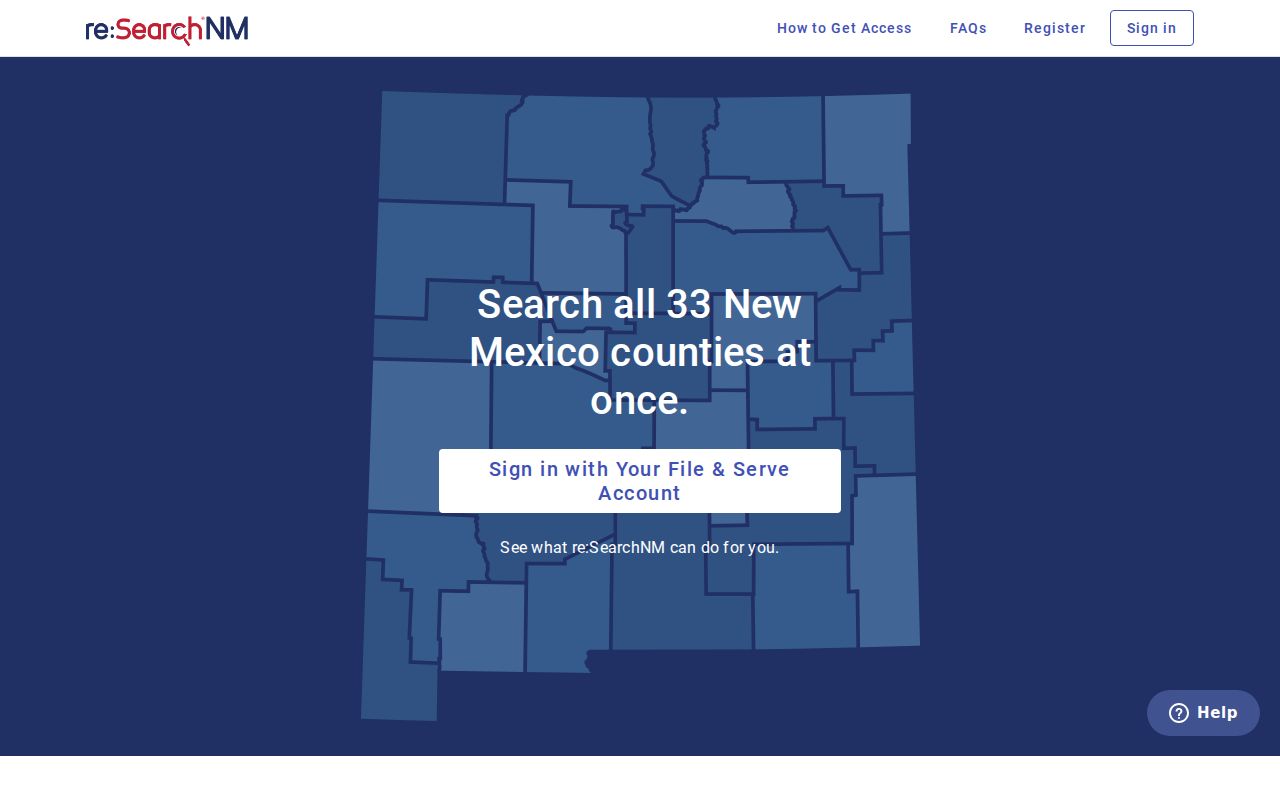
When a Torrance County file stays offline, contact the clerk of the court where it was filed. The clerk can arrange access and copies.
Which Cases Stay Restricted
Restricted cases: Public Case Lookup shows no filed documents. It also hides personal identifiers like Social Security numbers and addresses. Torrance County readers should also know that juvenile criminal cases never appear on the general-public system. Family Violence Protection Act order-of-protection cases are left off it too. Sealed or confidential records are left out too. That happens under the Case Access Policy, statute, rule, or court order.
Municipal coverage has its own limits. The statewide search covers historic municipal DWI and criminal domestic-violence convictions dating from September 1, 1991, and nothing more. It is not a full city traffic or ordinance register. Got a Moriarty, Estancia, or Mountainair citation? Call or visit the court that issued it. An expunged case is off limits to the public. The court's current forms and the clerk are the right places to ask about a specific court record.
A missing result proves nothing. The docket could be restricted, sealed, or expunged. It might fall outside municipal coverage, be an older filing, or simply reflect a search mismatch. Never chase restricted material through another person or an unofficial site. Find the court that holds the case. Then use its clerk or the proper official court process to make a permitted request.
Torrance Pre-1997 Record Route
Older court records travel a different road. Judiciary guidance treats pre-1997 records as a reason to file a court-record request. Counting on a public online result is not advised. Gather the case number, the court location, and the clearest description of the record you can. Do this before you begin.
If the number is incomplete, add the case type and an approximate filing year. That detail lets the clerk tell whether the matter sits in District, Magistrate, Probate, or a municipal file. The clerk can settle that before the older-record request goes anywhere.
The official Case Lookup and re:Search®NM comparison sorts out the difference between public searching and registered access. It also backs up the access limits explained here.
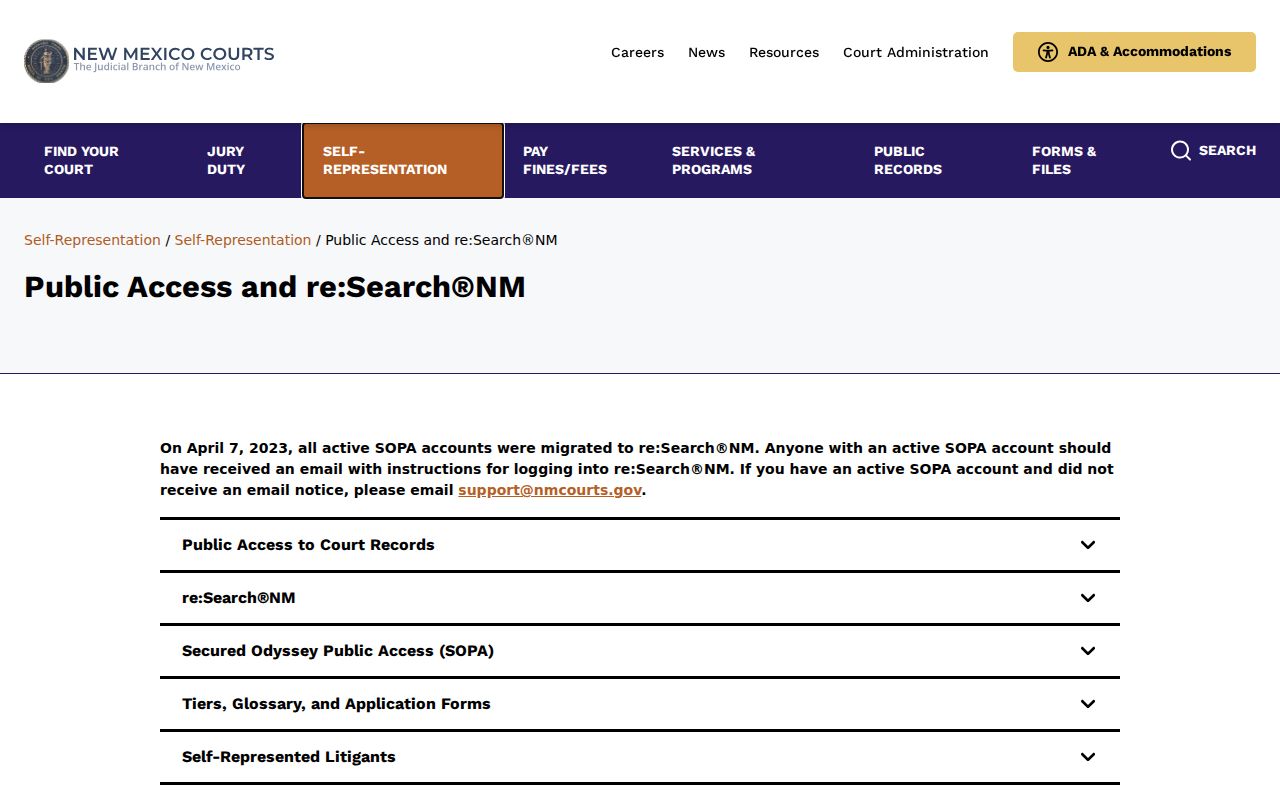
For an older Torrance County court file, send the Judiciary request to the Seventh Judicial District. You can also ask the filing court's clerk about inspecting or copying the record.
Note: A public register entry helps you identify a record. A certified document must come from the responsible court clerk.